Build with a clearer plan
Turn a rough idea into explicit requirements and manageable tasks before asking an agent to implement it.
 Day ShiftPlan · Guide · Review
Your local workspace for AI-assisted software work
Day Shift by TNSDS is a local workspace for coding-agent workflows. Plan scoped tasks, carry context between sessions, and review validation evidence alongside your code. Work through a browser GUI or CLI with your preferred coding agent.
Browser GUI and CLI. Use your preferred coding agent.
Free to evaluate: no signup, no license file, and no online activation.
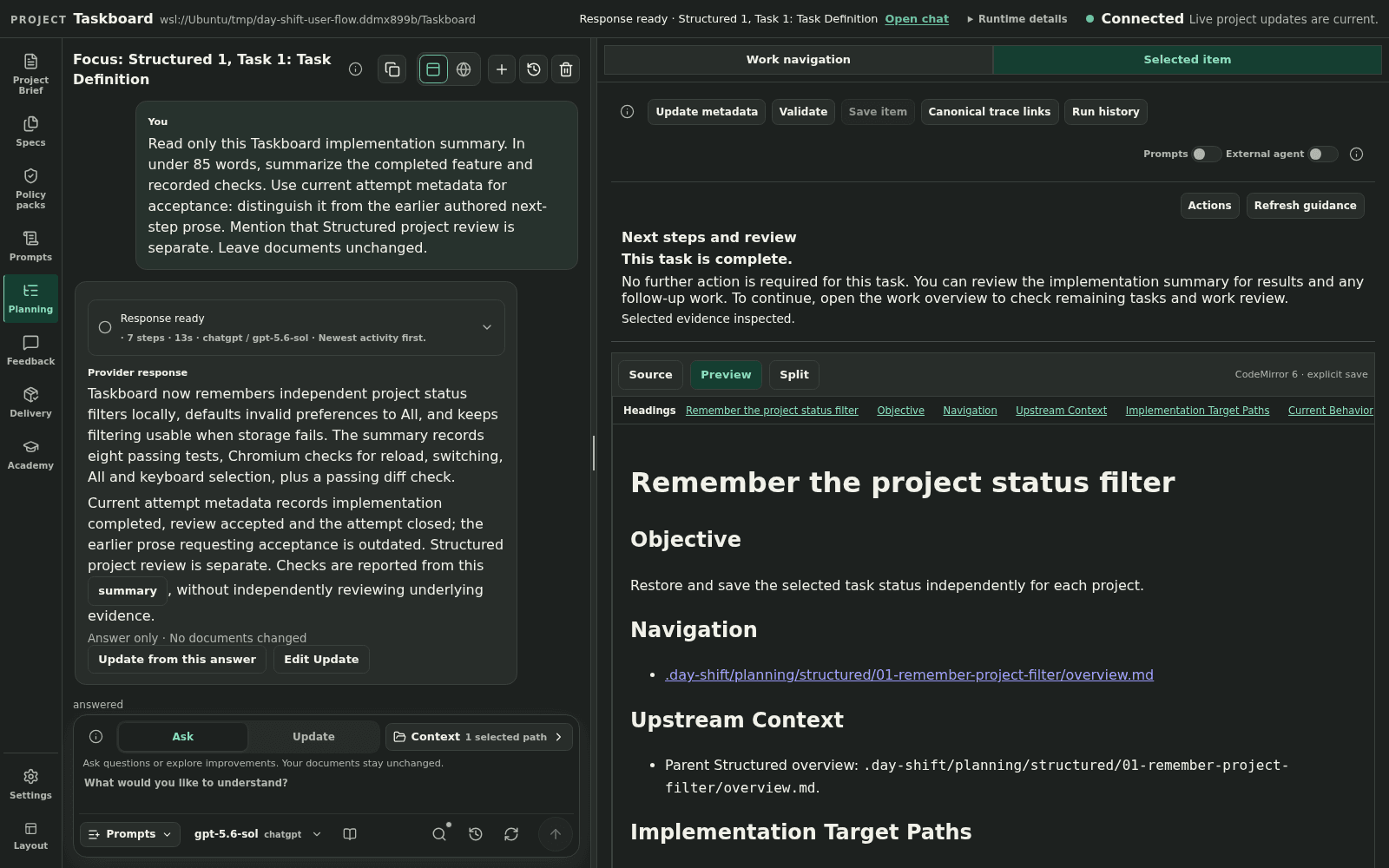
GUI now available: Day Shift 0.3.3 includes the browser GUI and CLI. After installation, run day-shift serve --open from your project directory. See the installation guide to get started.
From idea to reviewed work
01
Develop a Project Brief and specifications with project-aware chat. Make the intended outcome and open questions visible.
02
Create scoped tasks, connect dependencies, and review readiness before implementation begins.
03
Take a portable implementation handoff to your preferred coding agent, with scope and validation expectations attached.
04
Review validation evidence and summaries, track delivery, and bring feedback into the next round of work.
Who it is for
Turn a rough idea into explicit requirements and manageable tasks before asking an agent to implement it.
Keep decisions and next steps beside the code so you and your agent can pick up the work again.
Bring the intended outcome, implementation summary, and validation results together when deciding what is ready.
Your project, your tools
Use the browser workspace to explore the plan, chat about the project, and review evidence. Use the CLI when you prefer the terminal or need command-driven workflows.
Day Shift assists with planning and review. Your coding agent implements source changes. You decide the scope, review the code, and accept the result.
Plans, decisions, and implementation evidence stay in local files you can inspect and choose to version.
Remote chat providers receive prompts and selected project context. Provider and coding-agent costs are separate from Day Shift licensing.
Look closer
Share experiences and learn with other Day Shift users. Community participation is best effort and does not provide guaranteed response times, private support, entitlement handling, license recovery, security intake, or behavioral enforcement.
Keep the next handoff visible